
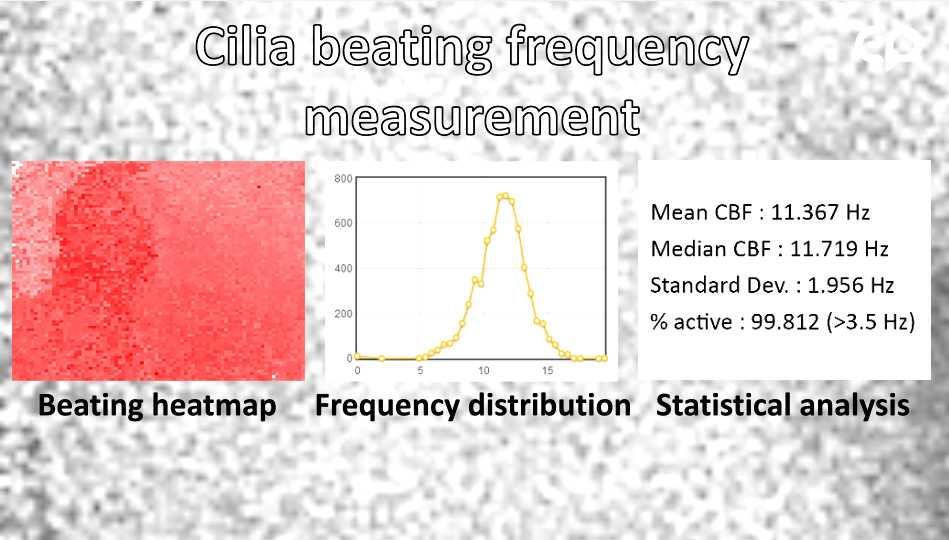
The aim of this analysis is to measure the average cilia beating frequency (in Hz) and percentage of an epithelium active area.
All services
Cilia-X : software for batch CBF analysis
Aim
Description
Software tools for measuring Cilia Beating Frequency (CBF) are scarce and often cumbersome to use, particularly for batch analysis. To address this gap, we developed Cilia-X, our own dedicated CBF analysis software.
The workflow is simple:
- The user captures images of the epithelium at low magnification(typically 5x) and saves them as image sequences in folders or as video files.
- Once all sequences are stored on disk, the analysis can be launched in batch mode with a single click.
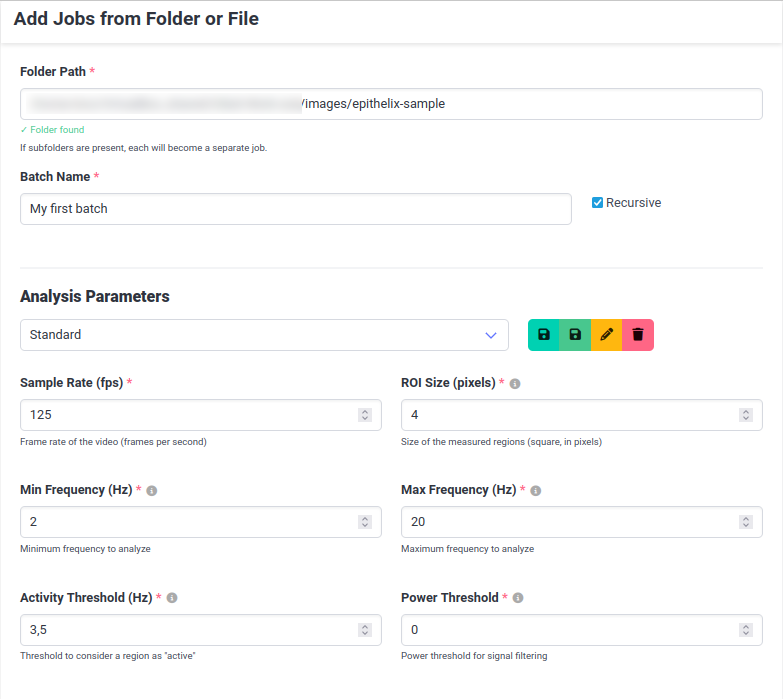
Cilia-X supports image series, video files, and Nikon ND2 files acquired at high frame rates (typically 125 fps), and can process folders containing hundreds of image series in a single run. While 125 fps yields a clean, reliable signal, Cilia-X remains functional on lower-end setups down to 40 fps (in this case the maximum measurable frequency is capped at 20 Hz).
Frame rate stability is a more critical parameter than raw acquisition speed. Auto-exposure must be disabled on the camera, as Cilia-X relies on measuring brightness variations between consecutive frames.
Processing is fast: analysis of a 256-image series typically completes in under 7 seconds on a mid-range desktop. Upon completion, an interactive report is automatically generated for each image sequence, summarizing all measured frequencies alongside key summary statistics.
Technical aspects
Cilia-X is cross-platform (Windows, Linux, MacOS) and operates as a web-based application, accessible through any browser once the local server is started. No internet connection is required.
User management & access control
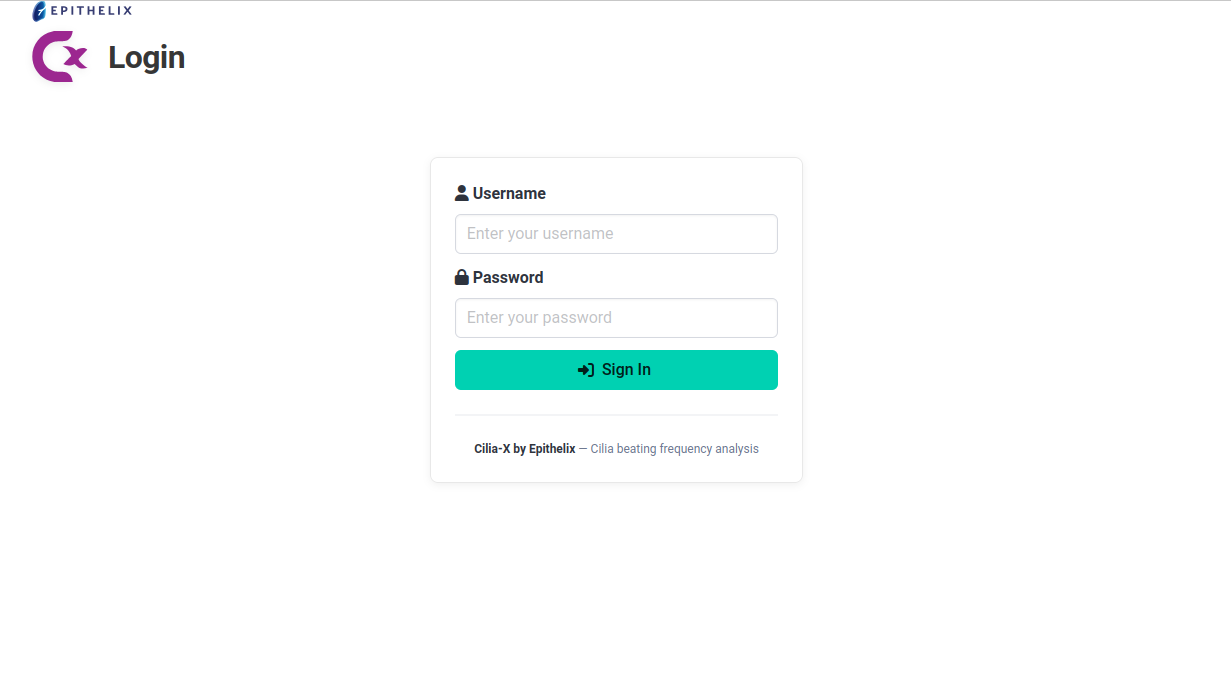
The software supports multi-user access with role-based permissions. Users must log in before running any analysis or viewing results. Two roles are available:
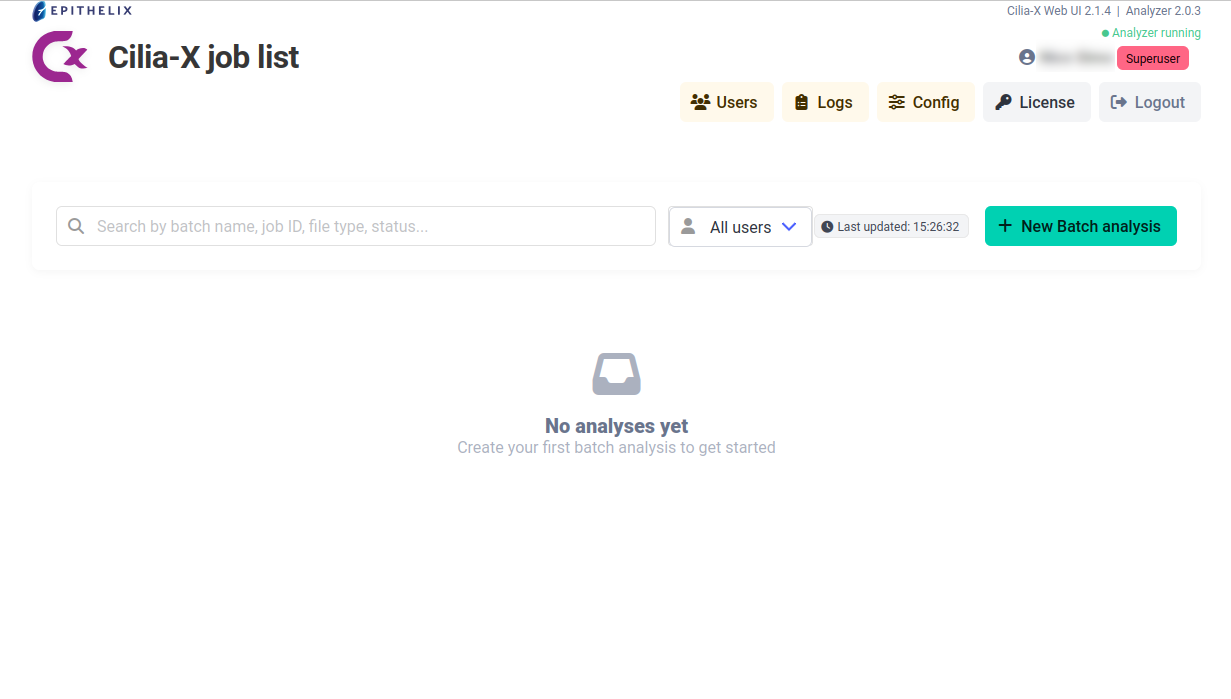
- Standard users have access exclusively to their own analyses and results.
- Administrators can create and manage user accounts, and have full visibility over all analyses run by all users.
Data storage & export
All analysis results are stored in a local database, ensuring they are preserved across sessions and easily retrievable. A built-in search function allows users to query their results across any field. Results can be exported at any time in CSV or Excel format for further processing or reporting.
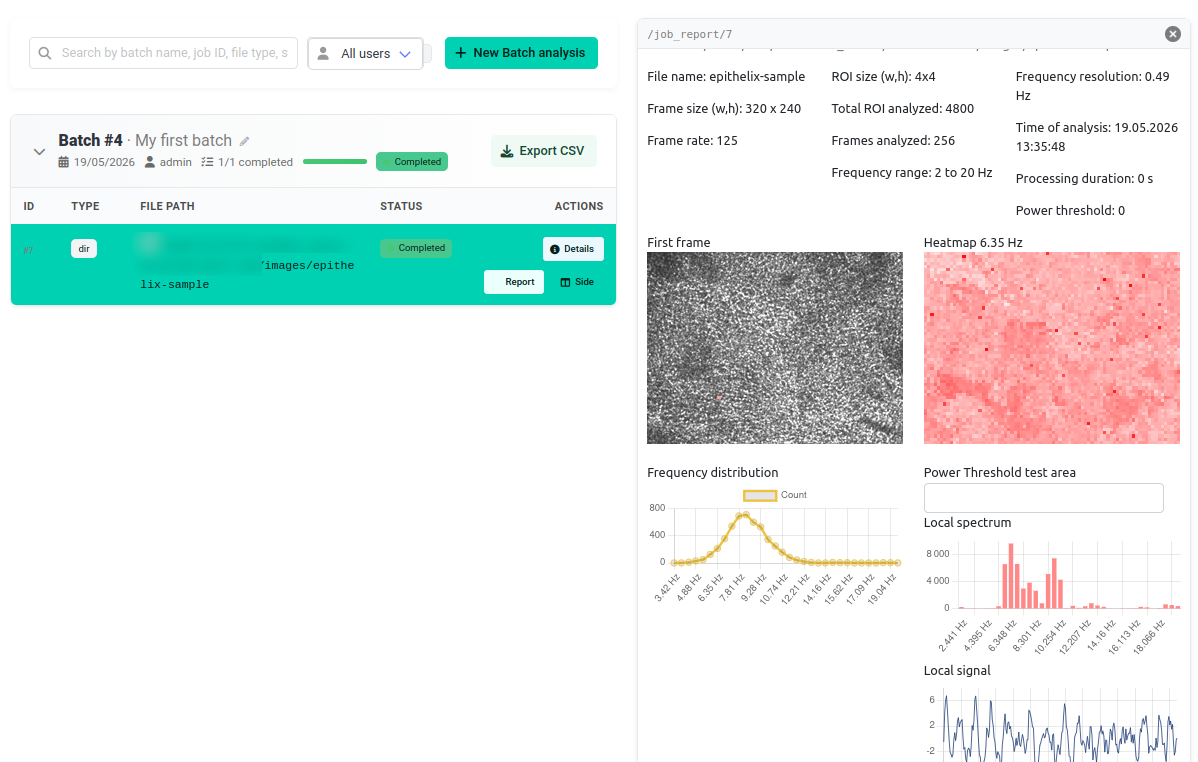
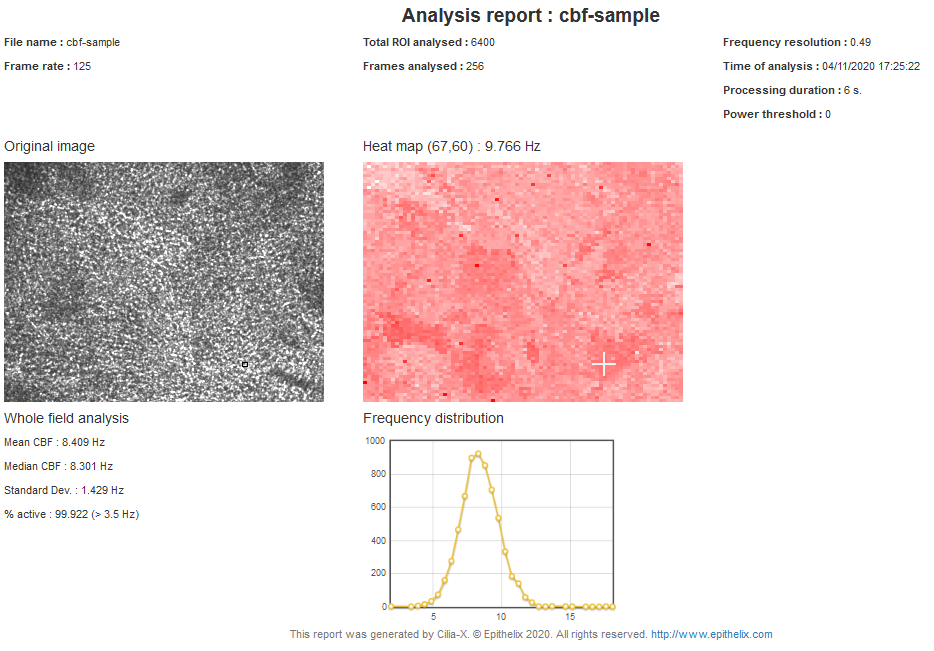
The user can interactively view individual frequencies and navigate in the distribution curve
Interested in this service ?
Our products available for this service
